The Google Assistant service is available on newer Android phones.

You can activate it by saying “OK Google” or by pressing and holding the middle button on your phone

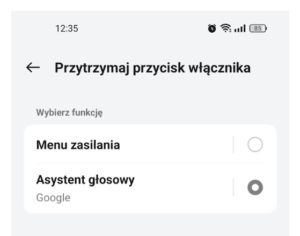
Alternatively (if this option is enabled in your phone’s settings), press and hold the power button.
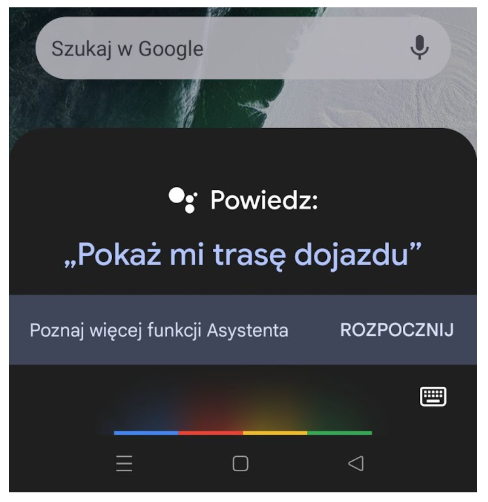
Once you’ve activated the assistant, you can start talking to it:
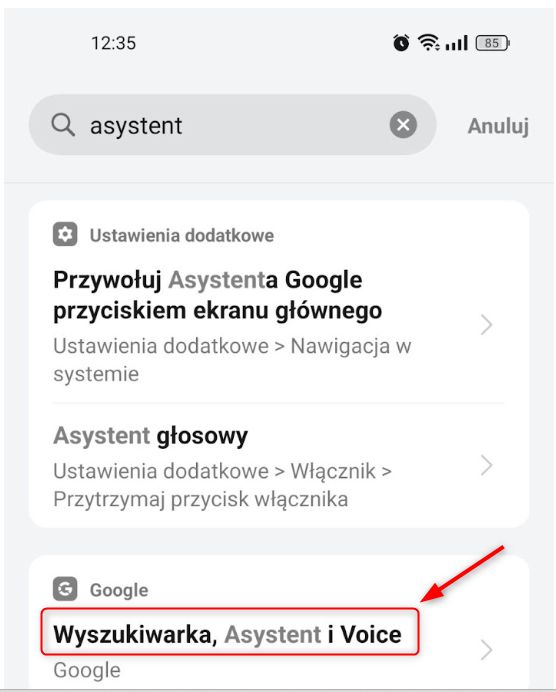
To set up the virtual assistant, go to Google Services in your phone’s settings, then navigate to Search, Assistant, and Voice.
You can also use the search function in your phone’s settings to more easily find the settings you’re looking for.
To set up voice recognition, locate the Voice Match feature.
For security reasons, it’s a good idea to disable the voice assistant when the phone is locked.
