Before we begin, we need to establish a ‘common language’. The aim of this module is to demystify difficult words.
A bot (or Virtual Assistant) is a computer programme that simulates a conversation with a human. It is not a real person sitting by the phone, but an automated system programmed to answer simple questions. Imagine it as a very modern, ‘talking’ version of a telephone directory.
Bots come in two main forms:
- Voice (Voicebot): When you call a helpline and speak to an automated system.
- Text (Chatbot): When you ‘chat’ with an automated system on a computer or mobile screen. It looks like exchanging text messages, but takes place on the company’s website (usually in a small window in the corner of the screen).
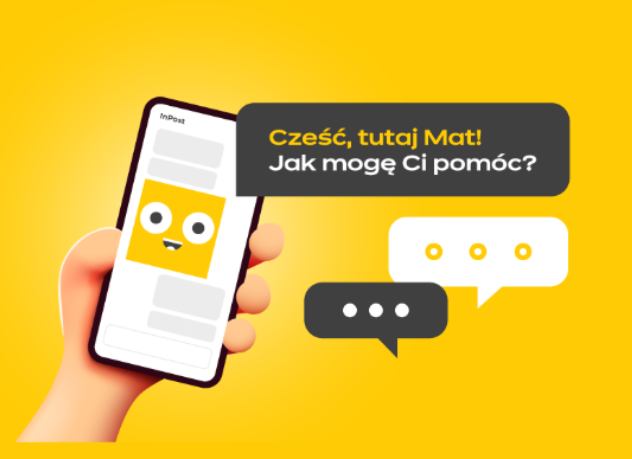

Artificial Intelligence (AI) is the technology that enables a bot to ‘understand’ what we are saying to it. Thanks to this technology, the bot can recognise words such as ‘breakdown’, ‘appointment’ or ‘prescription’ and direct us to the right place.
A consultant is a real person – an employee of a bank, a clinic or a government office. This is usually the person we want to speak to when we ring. Our aim in this course is to learn how to navigate a conversation with a bot so that we can either sort out the matter straight away or be quickly put through to a consultant.
Touch-tone dialling A situation where the automated system asks us: “Press 1 to speak to reception.” In this case, we don’t speak into the receiver, but use the keypad on the phone screen.
Numeric keypad: This is a set of buttons with the numbers 0 to 9, as well as the asterisk (*) and hash (#) symbols.
- On push-button and landline phones: These are physical buttons that are visible at all times.
- On smartphones (touchscreen phones): This keypad often disappears from the screen during a call. To use it (when the bot asks you to press a number), you need to look at the screen and tap the icon labelled ‘Keypad’ or the symbol with small dots. Only then will the numbers appear on the screen.