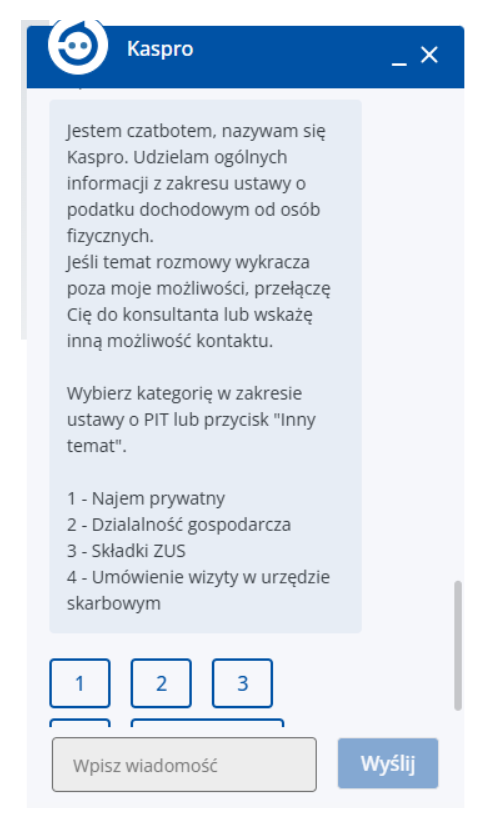
When you open the pop-up window, you may encounter one of two types of assistant. It’s worth distinguishing between them, as they are operated slightly differently:
- Type A: ‘Click-based’ bot (selection menu) – This is the simplest version. The bot doesn’t ask you to type anything, but simply displays pre-set buttons with topics, e.g. ‘Check order status’, ‘Make a complaint’, ‘Price list’. Our role is simply to click on the relevant button. It’s like completing a multiple-choice test.
- Type B: ‘Text-based’ bot (Conversational) – At the bottom of the window, we see a blank field with a blinking cursor (often labelled ‘Type your message…’). Here, we have to type our question ourselves using the keyboard.
Mixed Type: The most common. The bot first offers pre-defined buttons, but if our problem is unusual, it also allows us to type in our question manually.